Where curiosity meets
visual discovery
For the Wikipedia deep-divers, the history obsessives, the ones who click through 20 articles before realizing it's 3am. This is your ultimate rabbit hole—a place where curiosity never hits a dead end and every discovery leads to three more.
See any moment in history, visualize it instantly, then follow the threads—from the fall of Rome to the spice trade to the printing press. Wikipedia grounding keeps you anchored in fact while you explore. Chat with AI to go deeper. Remix what you find. The ultimate learning experience, built for those who never stop exploring.
Navigate civilizations across time and place
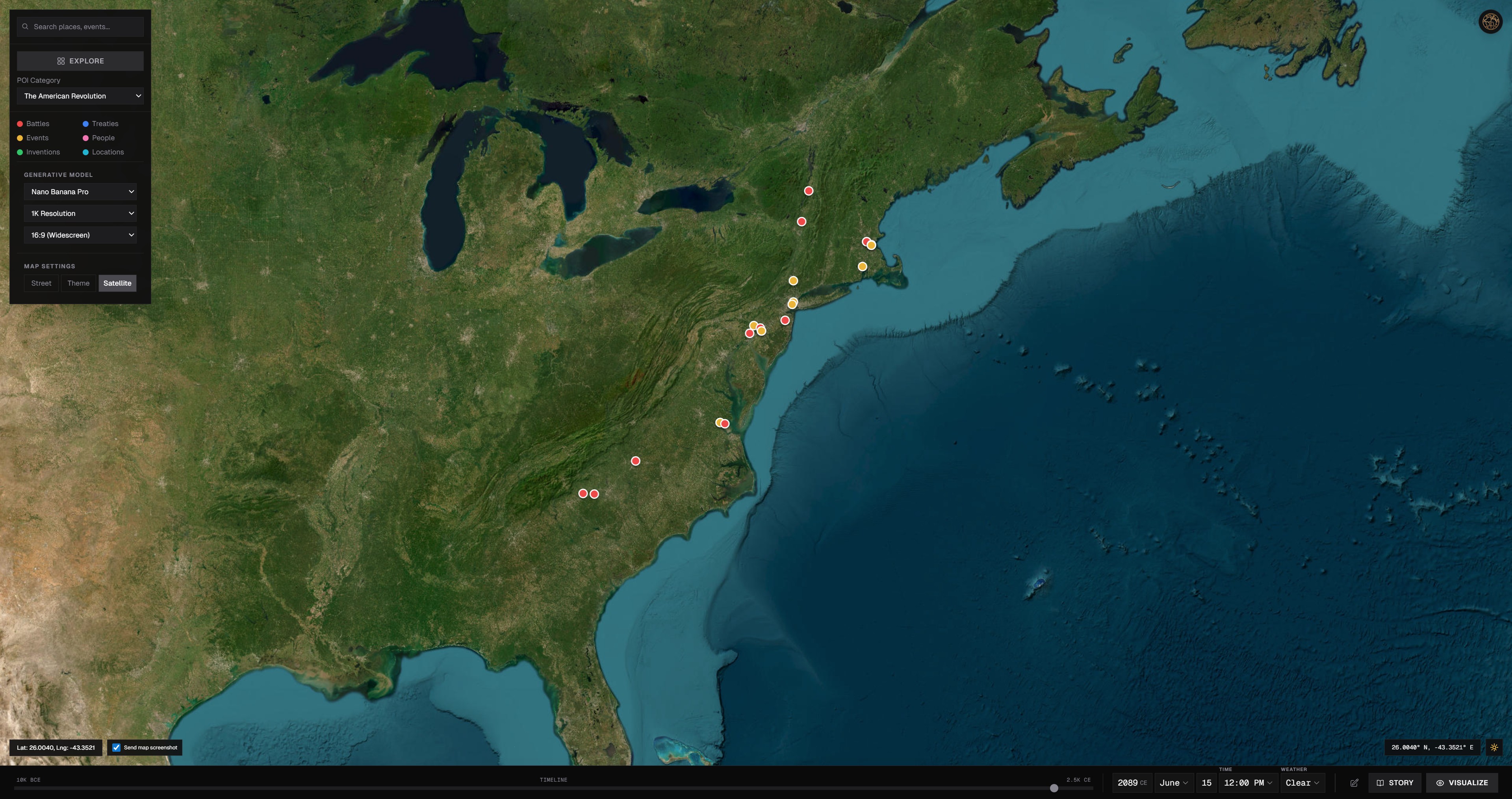
Pick a place and a date, and the Atlas renders the scene for you. It’s an interactive map with preloaded moments that spark ideas—and the freedom to explore your own narratives.
Choose any location + year and get a tailored image
50+ preloaded, fascinating anchors to jump-start exploration
Explore history your way: zoom, pin, and branch new narratives
Open chat alongside the image to ask questions and go deeper
Build a series that tells the whole story
Chain scenes together into a narrative at one place or across eras. Plan the beats, generate the shots, and keep the thread in one view.
Lay out a sequence of images for any place or timeline
Refine each panel with chat feedback and follow-up prompts
Keep context consistent—year, location, and style carry through
Export or share the sequence as a cohesive story
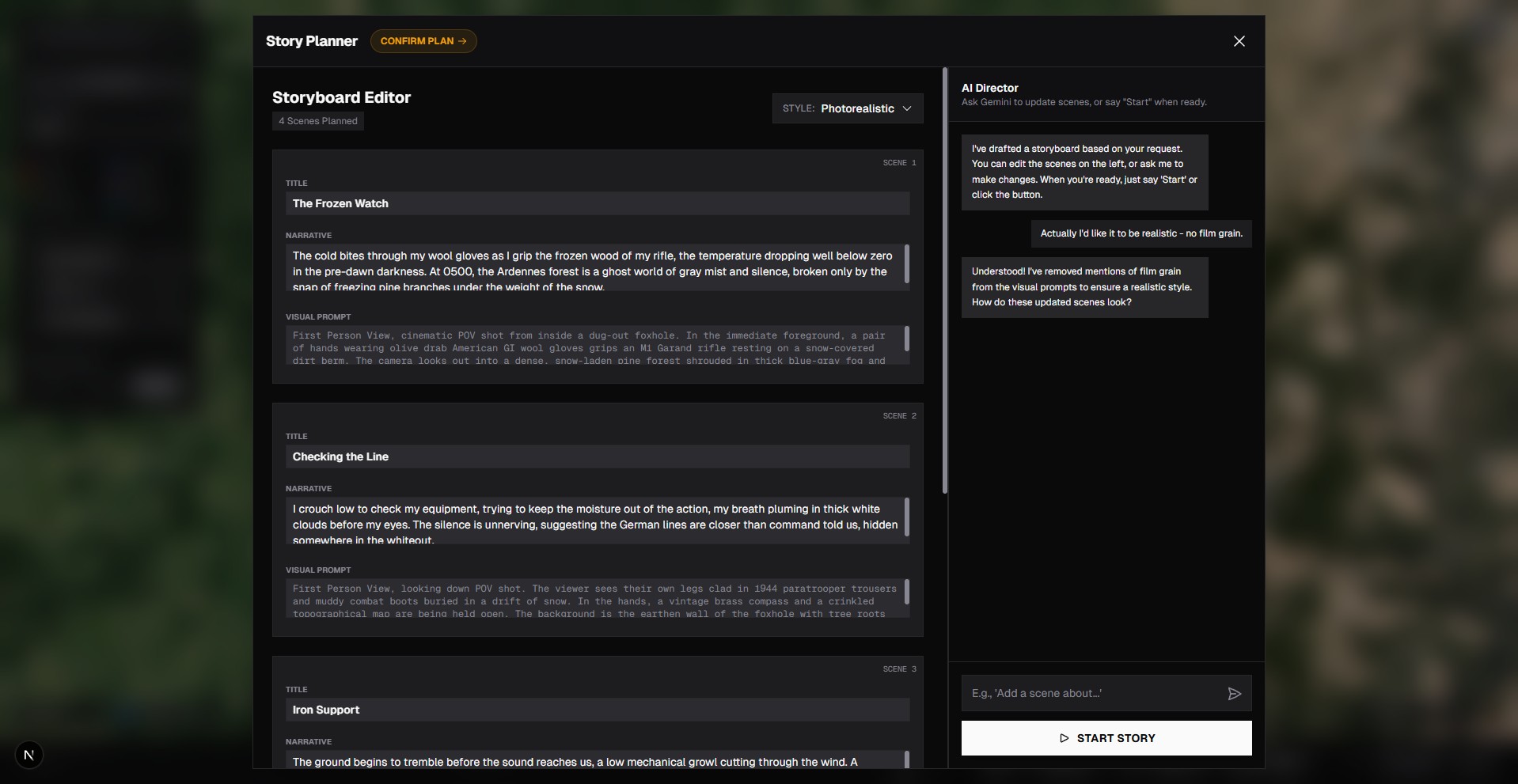
Image and video editors for iterative storytelling
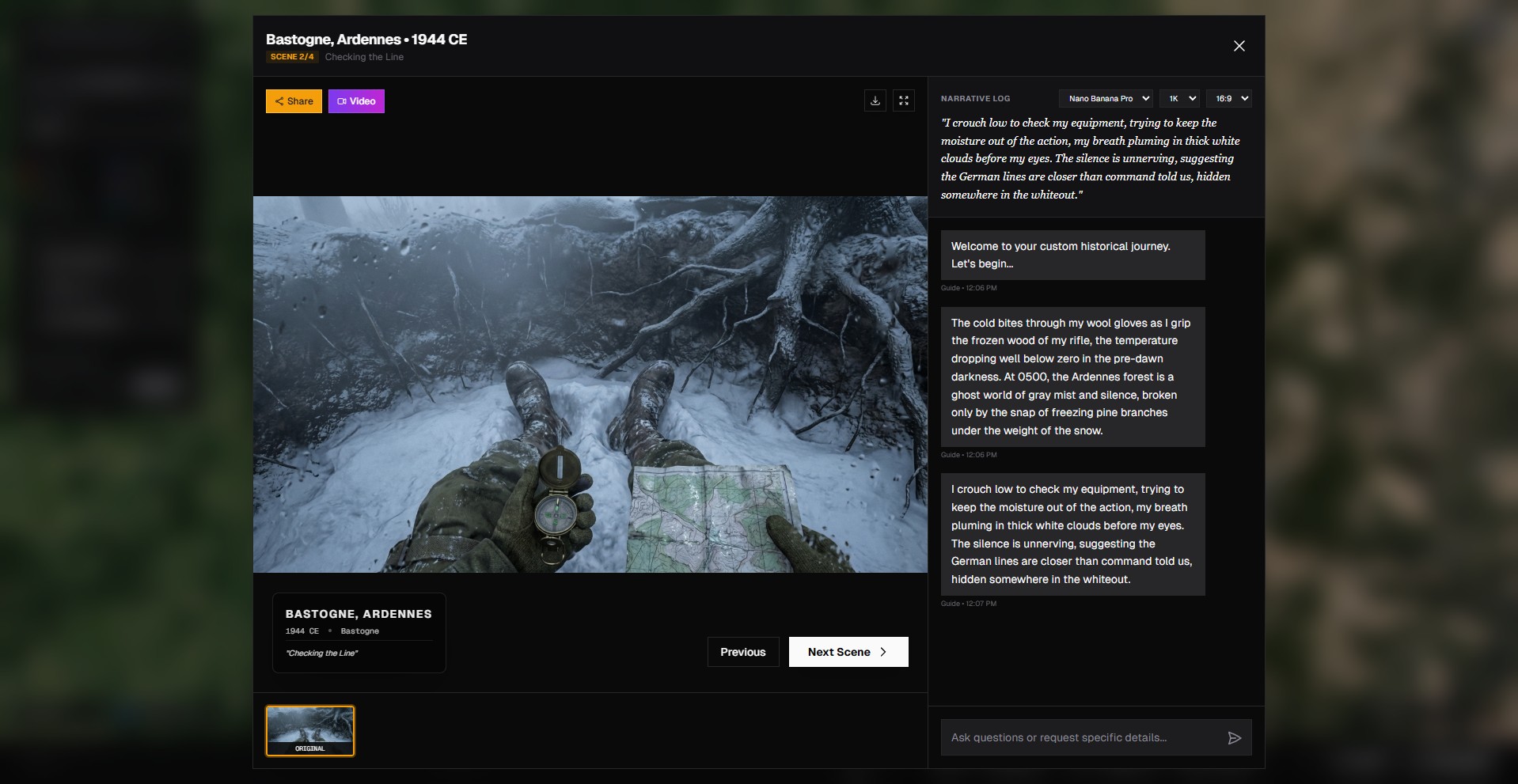
Refine visuals without leaving Histora. Adjust images and send them straight into motion—no exports, no extra tools.
Inline image edits: crop, adjust, iterate quickly
Turn images into videos with one click
Version-friendly workflow to explore variations safely
Built for seamless handoff between creation, edit, and publish
A living stream of community generations
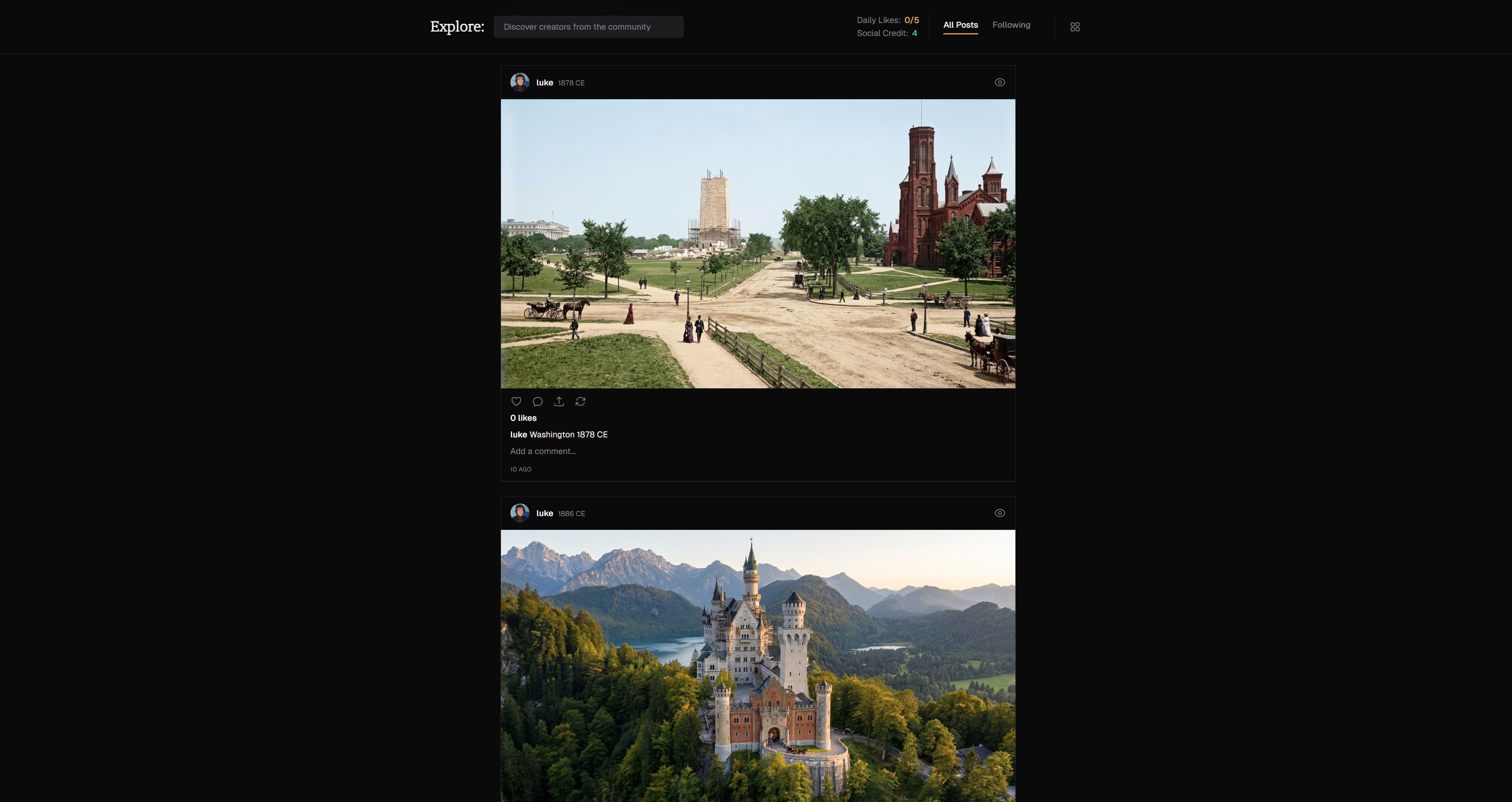
Histora’s feed works like a creative social network. Share what you make, browse community drops, and keep everything stored—no messy downloads.
Always-on hero stream of standout community scenes
Share and reshare creations instantly—no exporting needed
Get featured on the main page when your work resonates
Your creations stay saved as a living memory in your profile
Earn social credits as people like and remix what you share
Branch any scene with lineage intact
See something you love? Fork it. Remixes carry credit and context forward so collaboration feels effortless and respectful.
One-tap remix from feed, post, or modal views
Lineage badges keep original creators front and center
Context—era, place, vibe—stays with every branch
Perfect for co-creation, challenges, and rapid ideation
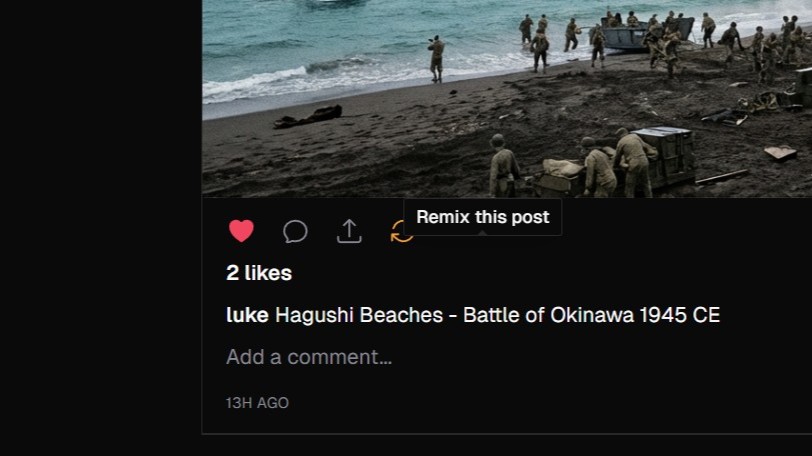
Research without breaking flow
Great storytelling rests on solid footing. Pull up wiki context inline, fact-check as you go, and keep your scenes anchored to reality.
Open wiki context anywhere without leaving your canvas
Pull images directly from Wikipedia with one click, then edit them like any other asset
See clear labels for wiki-sourced media vs. other origins
Quickly grab titles and facts to sharpen prompts
Stay credible while you move fast
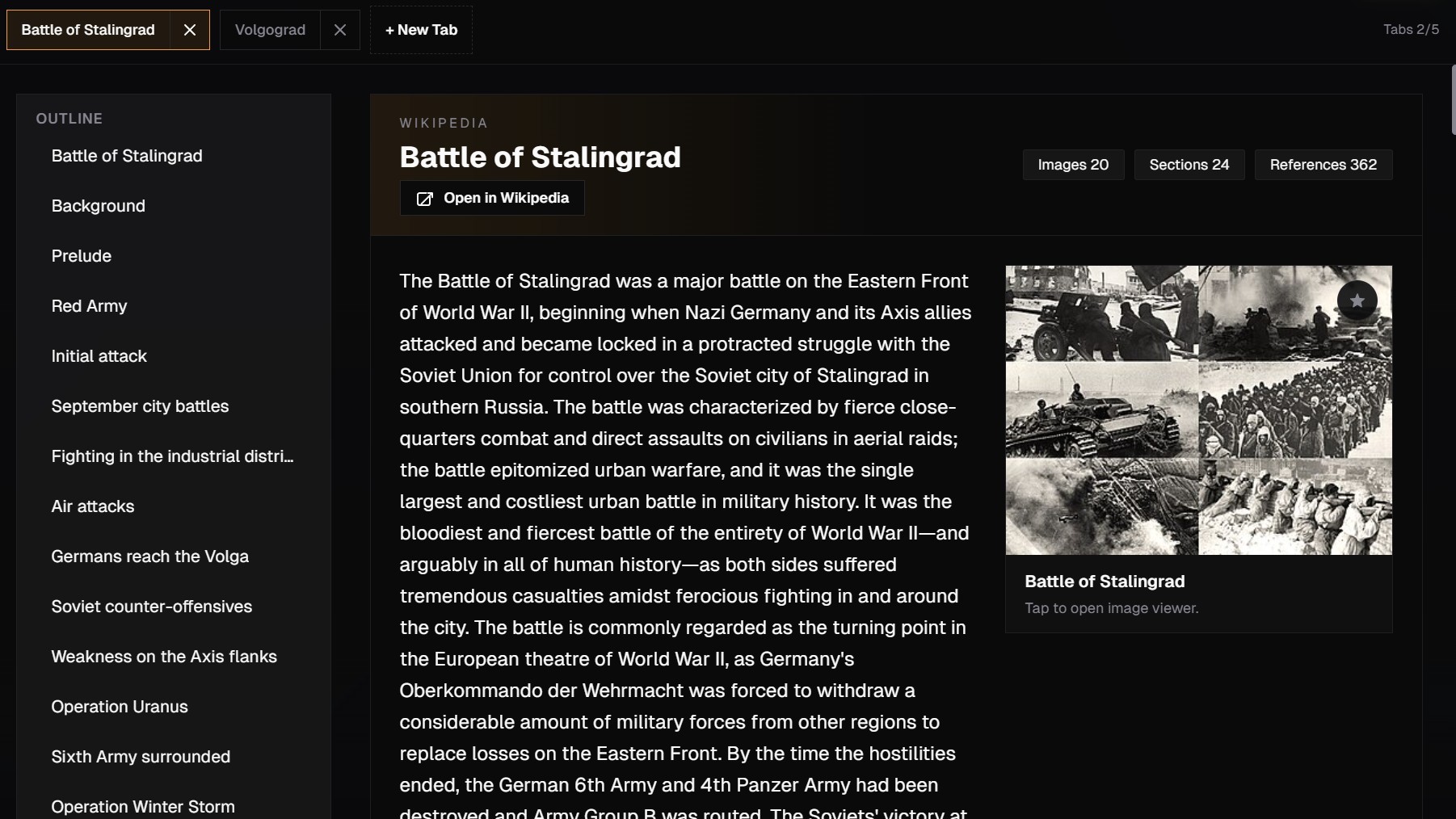
Art styles tuned for history
Pick the mood without rewriting your idea. From photoreal reportage to Ukiyo-e elegance, styles are tuned to keep period feel while shifting tone.
Curated looks ready to drop in: Photo, Oil, Noir, Ukiyo-e, Watercolor, Comic, First Person
Swap styles fast to match audience and emotion
Designed to stay consistent across Atlas and Feed
Preview in lightweight placeholders until you're ready to render
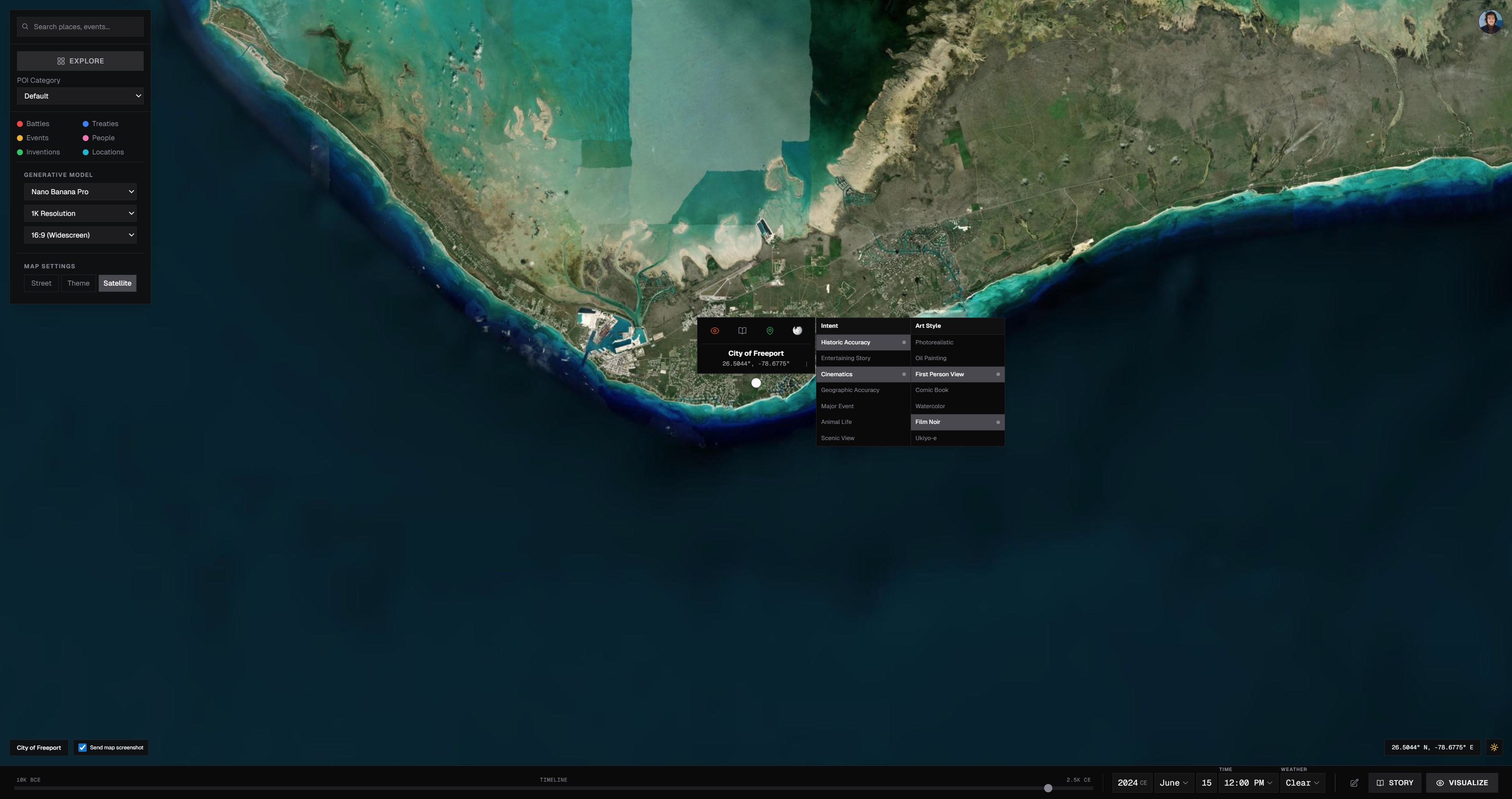
Storyboard to motion with Veo and Sora
Sketch the scene, start from a still, pick your model, and watch it move. From first prompt to finished clip, you stay in one timeline with clear expectations and fast feedback.
Plan shots in chat, then send to Veo 3.1 or Sora 2
Start from any uploaded image to generate motion clips
Live status so you're never guessing on renders
Thumbnails and safe previews before you share
Built for storytellers who want motion without a studio
Screenshot area
Drop UI captures here when ready
Ask, plan, and publish in one thread
A state-of-the-art AI chat (Gemini-class and ChatGPT-caliber models) that can brainstorm, fact-check, and generate images in-line—then publish without tab-hopping.
Ideate, research, and create inside one conversation
Inline image generation with context and source intact
Tap wiki mid-thread to stay accurate
Publish straight from chat when it feels right
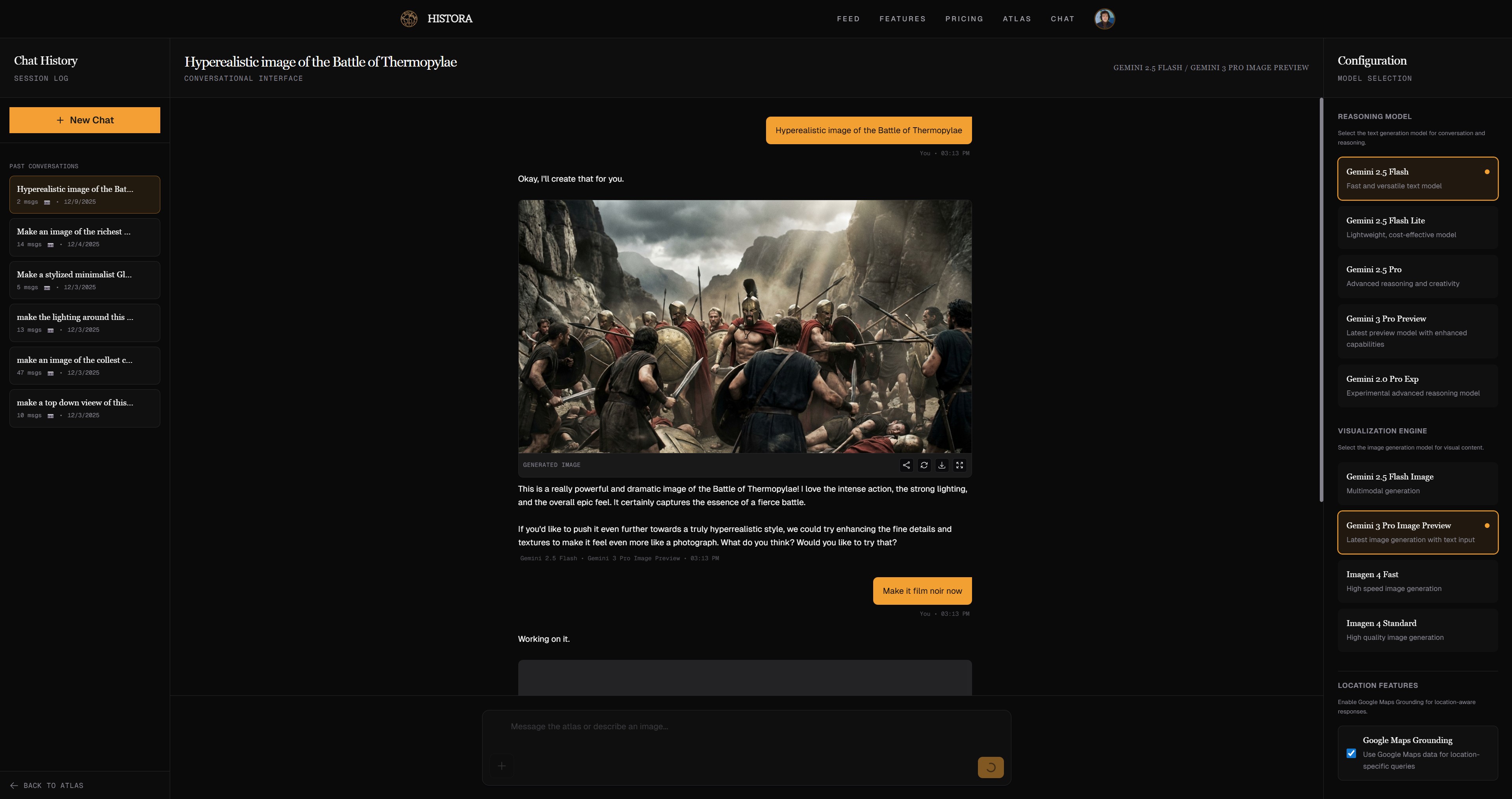
Bring your own images, keep them close
Upload photos or artwork, remix with AI, and keep every version together. One library, no re-uploads.
Secure uploads with instant access anywhere
Send uploads into editors or video generation in one click
Keep originals and variations together as a living library
Share to the feed without exporting or downloading
Drop or upload
JPG, PNG, WEBP — instantly usable
Send any uploaded still into video generation—go from image to motion with Veo or Sora while keeping your source neatly linked.
Build, remix, and earn —
without leaving the timeline
Jump into the Atlas to start generating or open chat to plan your next storyboard. Everything stays connected to the history you care about.
Social credits that keep you creating
Share great work, get rewarded. Social credits flow back every time the community engages, so you can keep experimenting even when your paid balance dips.
Earn as people like and remix what you publish
Credits spend like cash—no downtime when inspiration hits
Balances stay visible so you always know your runway
Creates a virtuous loop of sharing, feedback, and growth